Watch VU Lectures at 2x & 3x Speed & Never Miss a Deadline
Stop logging into slow mobile browsers every day. Track all your pending Assignments, Quizzes, GDBs, unpaid Fee Vouchers, and CGPA in one fast Android app.
Everything You Need for Your VU Semester
Designed specifically around how Virtual University students study, complete lectures, and track graded activities.
2x & 3x Lecture Speed Player
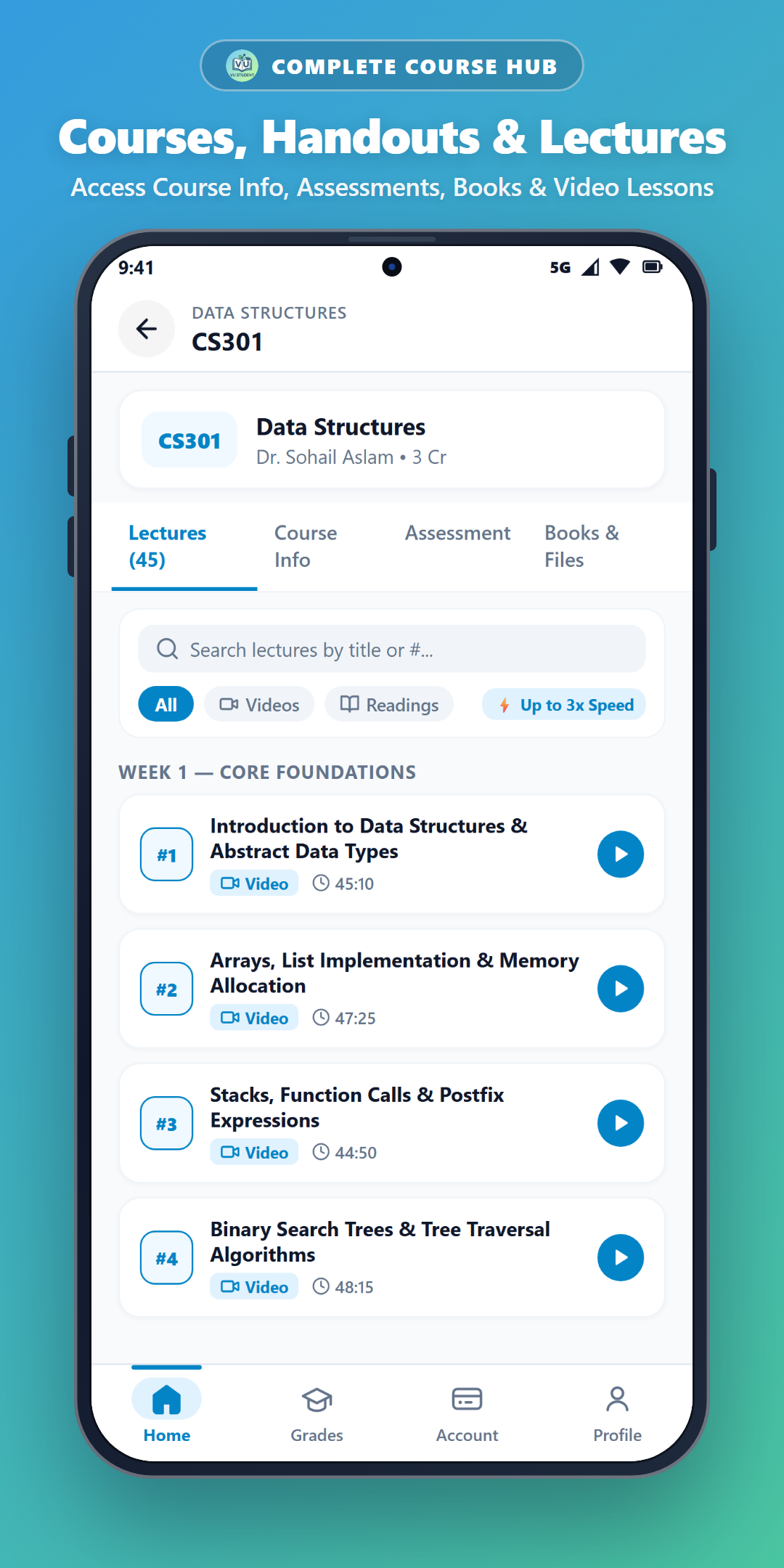
Stream your course video lectures directly inside the app with built-in 1.5x, 2x, and super-fast 3x playback controls while syncing completion status.
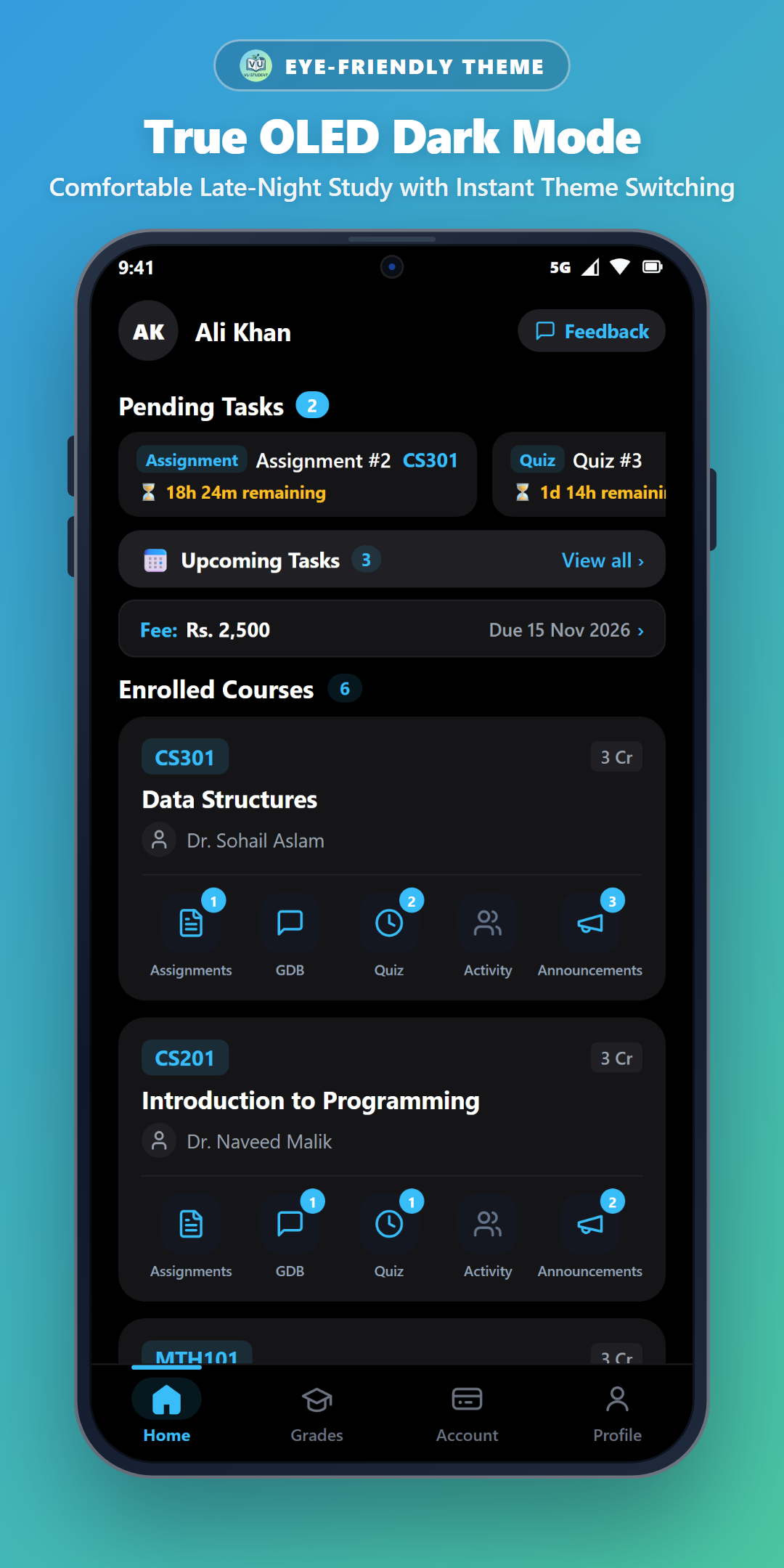
Pending Tasks on One Screen
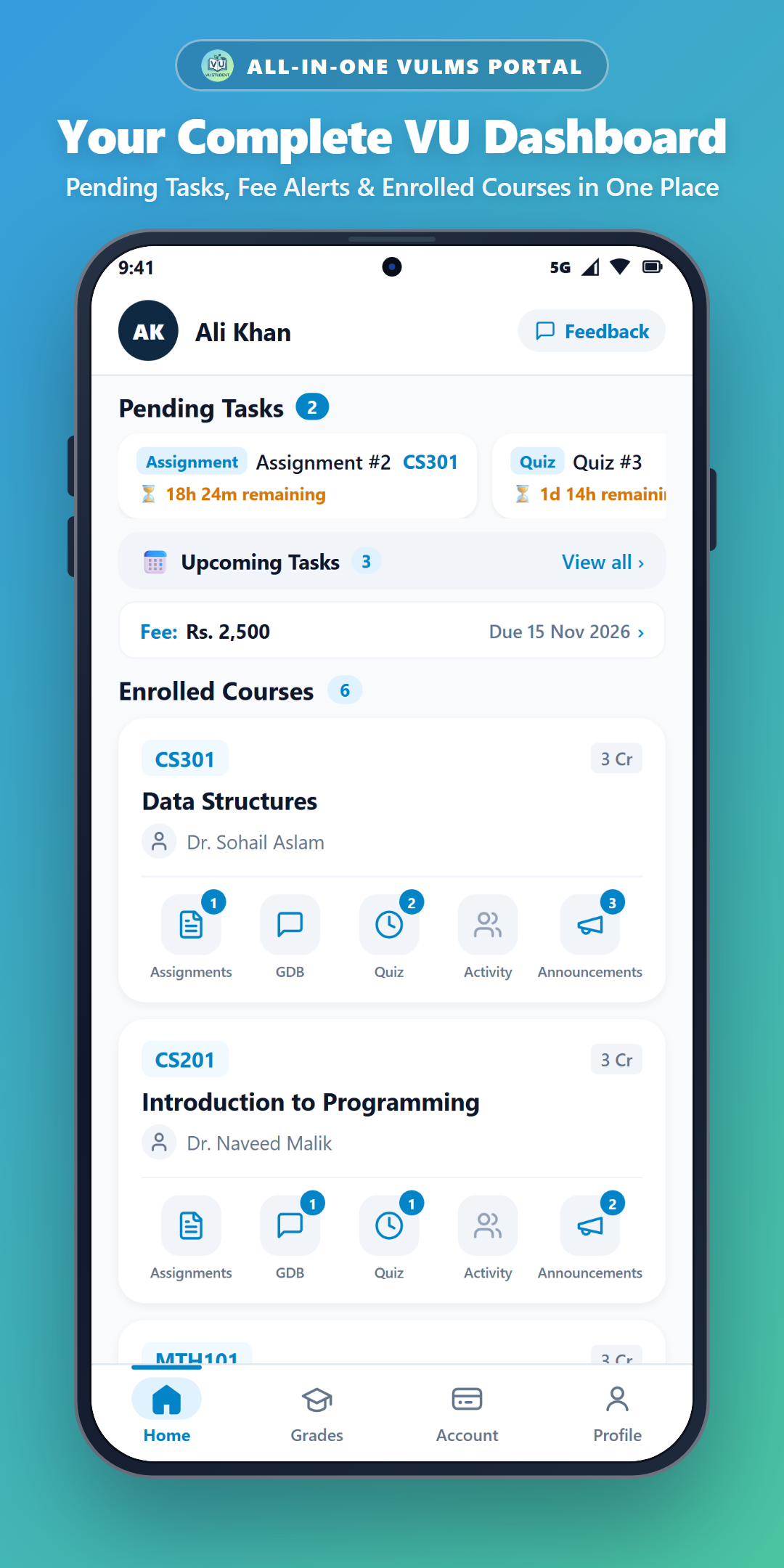
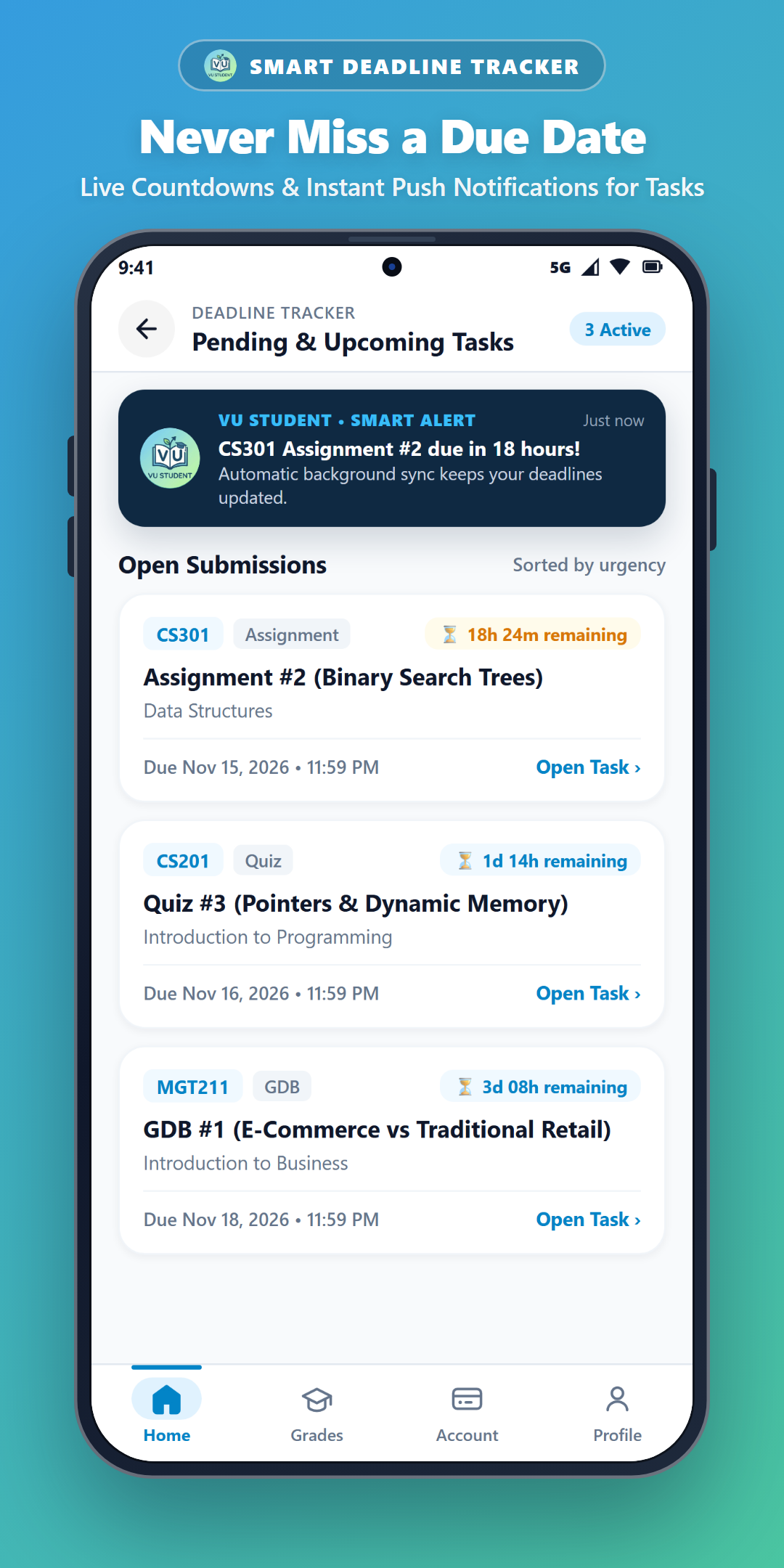
Instantly see all open Assignments, Quizzes, and GDBs across every enrolled course (CS101, MGT211, ENG101 & more) right on your Home screen.
Automatic Background Alerts
Smart background syncing checks your VULMS portal automatically and notifies you before an Assignment, Quiz, or GDB deadline expires.
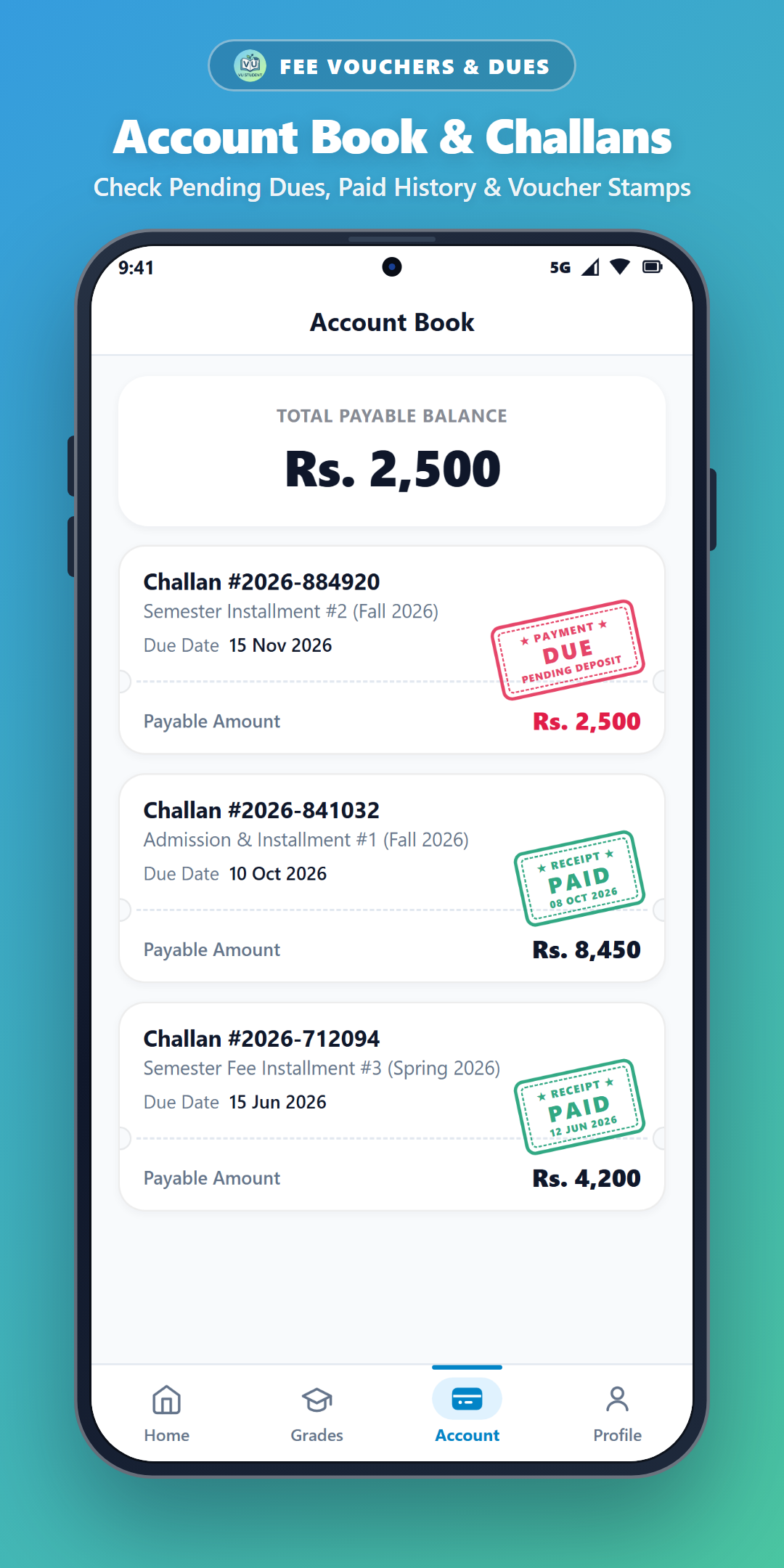
Pending Fees & Account Book
View unpaid fee vouchers, due dates, and full payment history directly on your dashboard so you never face late fee blocks.
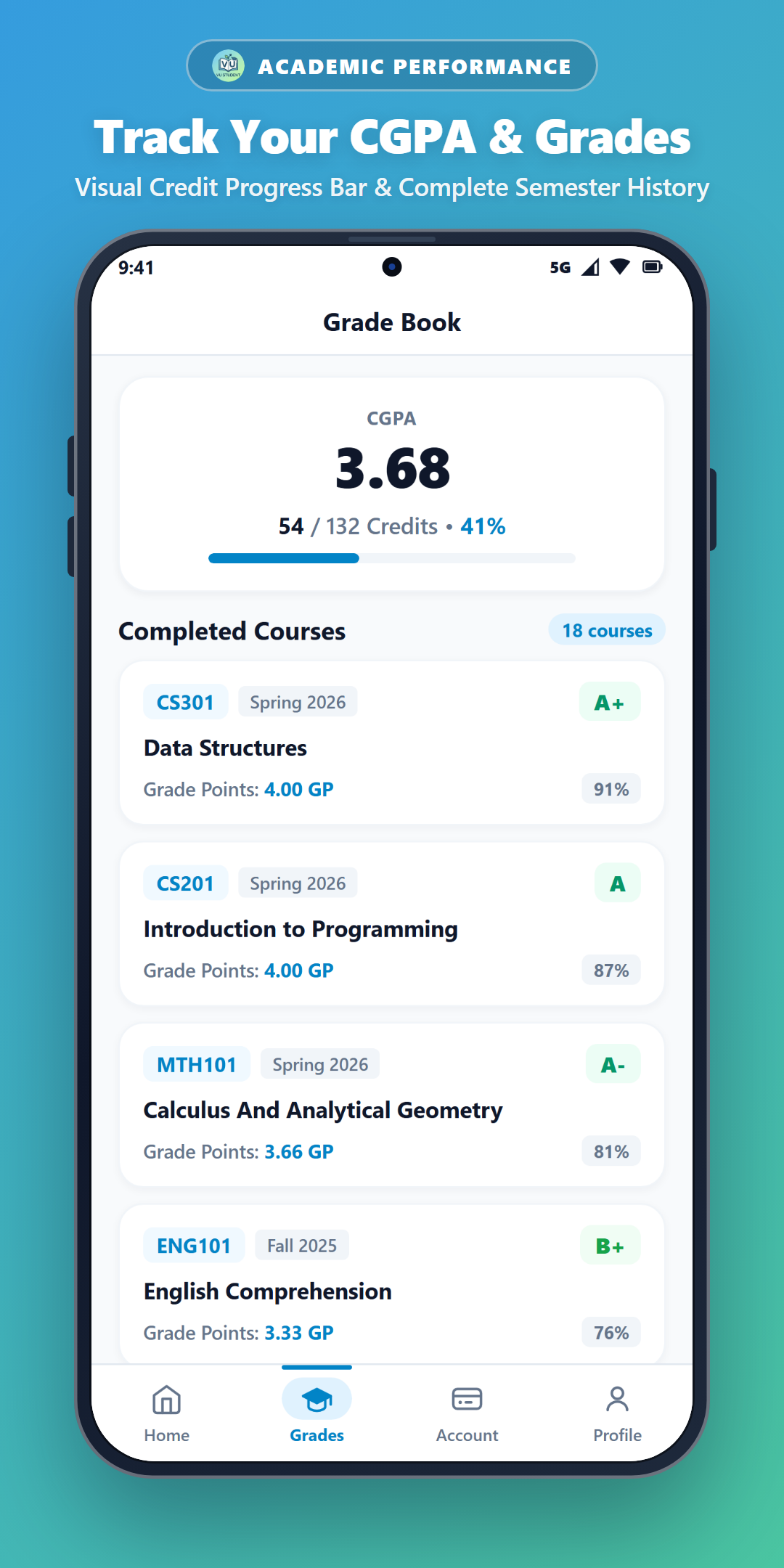
Live Gradebook & CGPA
Track your semester GPA, overall CGPA, midterm/final marks, and course-by-course graded weightages with instant offline access.
1-Tap Auto Login & Password Helper
Automatically bypasses VULMS Multi-Login screens and includes a 1-tap Strong Password generator when VULMS asks you to update an expired password.
Frequently Asked Questions
Common questions from Virtual University students.
How do I watch VU lectures at 2x or 3x speed?
Open any course inside Student Space, tap the Lectures tab, and select any lecture. Use the speed button in the player to switch between 1x, 1.5x, 2x, and 3x speed.
Does it work even when VULMS is slow or I'm offline?
Yes! Your courses, grades, fee vouchers, announcements, and pending tasks are cached on your phone so they open in 0 seconds even without internet.
Are my VULMS credentials private?
100%. Your Student ID and password stay encrypted on your own device and authenticate directly with the official VULMS portal.